Best Free Resume Templates for Download (ATS-Friendly & Modern Layouts)
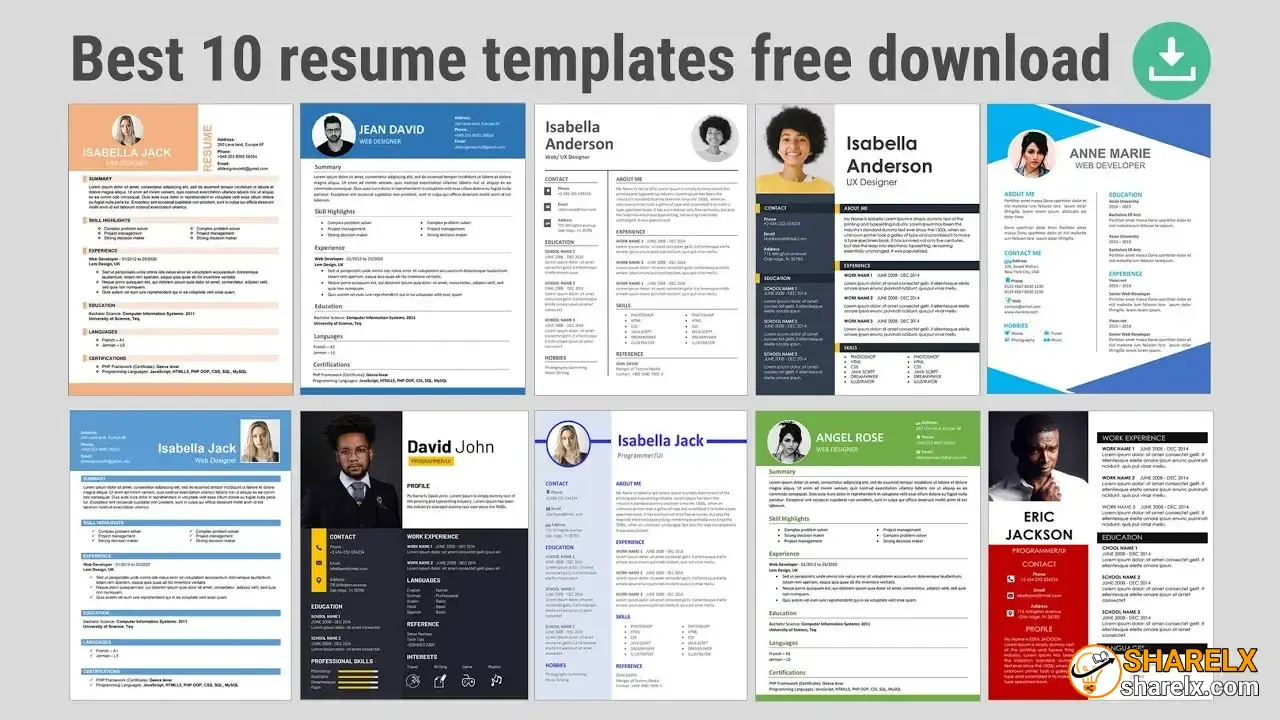
Creating a professional and visually appealing resume (CV) is crucial for a successful job application. Today, numerous reputable online platforms allow you to download free, high-quality resume templates in Microsoft Word (MS Word), Google Docs, and PDF formats. Depending on your industry and formatting preferences, the best platforms to find these templates are grouped below:
1. Best for ATS-Friendly & Simple Layouts
If you are applying to corporate roles that use automated scanning software or ATS (Applicant Tracking System), you should stick to single-column, clean, and minimalist formats.
- ResumeWorded: Exceptional for ATS-optimized templates. You can edit them directly in Google Docs or download them seamlessly as Microsoft Word files.
- Resume.io: Features a dedicated "Simple & Basic" section with layouts specifically designed to be read flawlessly by tracking software top-to-bottom.
- ResumeTemplates.com: A rare 100% free platform with zero hidden upgrades, allowing completely free editing, customization, and downloading.
- Monster: Offers a robust library categorized by career level (from entry-level to executive) and specific industry paths.
2. Best for Creative & Modern Designs
If you work in marketing, technology, graphic design, media, or any creative industry, a visually polished and modern layout will help your profile stand out from the crowd.
- Canva: Offers thousands of modern design variations. You can fill out your details using their drag-and-drop editor and download high-resolution PDFs for free.
- Adobe Express: Features nearly 4,000 professional template designs tailored specifically for fields like photography, engineering, and digital marketing.
- Flow CV: Specializes in modern, compact layouts built to fit extensive content onto a single page cleanly and professionally.
- Novoresume: Provides 16+ free, sharply designed modern templates that double as highly ATS-friendly formats.
3. Native Word & Google Docs Templates
If you prefer not to use third-party online builders, you can easily access free, pre-formatted templates directly inside your existing word processors:
- Microsoft Word Templates: Microsoft offers official, pre-formatted resume styles tailored to specific roles (like accounting, nursing, or management) that you can open right in your web browser or application.
- Google Docs Gallery: Open your Google Drive, click New > Google Docs > From a template gallery, and look at the "Resumes" section for clean, easily editable formats.